
Deleting System32 in Windows?
This question took me by surprise. Seriously.
I mean, why would you even consider it?
Well, apparently there’s a prank or scam running around that encourages people to do exactly that.
Don’t.
C:\Windows\System32 is Windows itself, and deleting it, if even partially successful, will break your Windows installation. You’ll need to reinstall Windows or restore from an image backup to recover. Suggestions that you should do so are generally pranks that should be completely ignored.
C:\Windows\System32 is Windows itself, and deleting it, if even partially successful, will break your Windows installation. You’ll need to reinstall Windows or restore from an image backup to recover. Suggestions that you should do so are generally pranks that should be completely ignored.
System32 is Windows
The folder C:\Windows\System32 is Windows itself. It contains almost all the files that make up Windows.
Advertisement
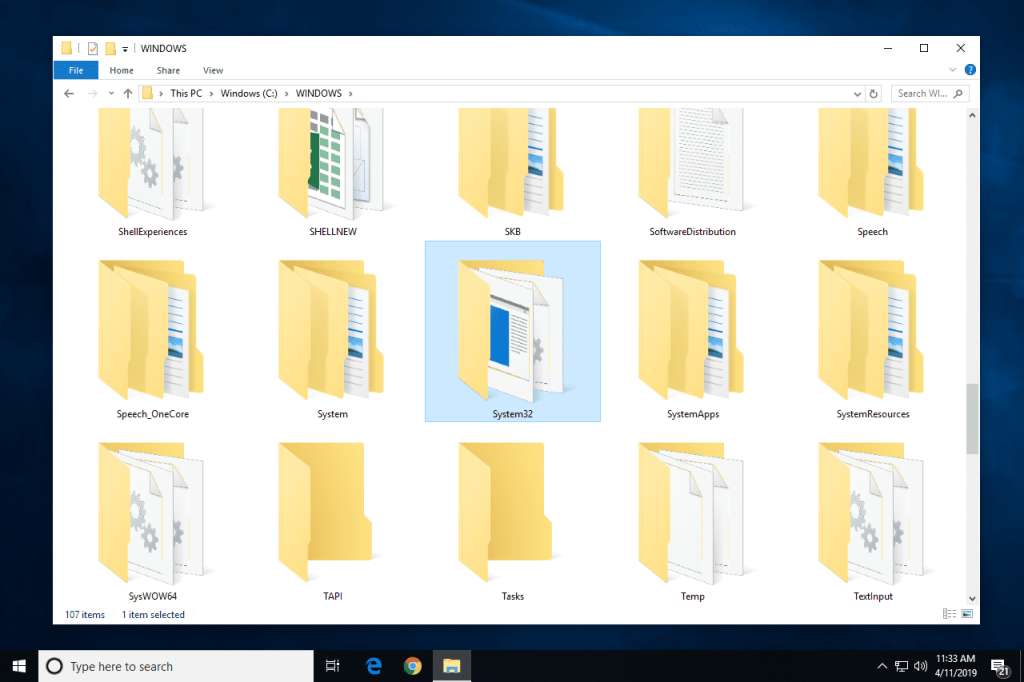
When it comes down to it, Windows is really just a very huge and complex computer application. The files for the program are kept on your hard drive. Most of the files are located in the System32 subdirectory.
Although it’s believed that Windows is best understood as the contents of the folder “C:Windows,” this neglects some components that are located in other folders like “C:Program Files” and similar ones. The majority of the files that make Windows function, however, are in the System32 subdirectory.
Deleting System32
Even if you’re operating “as administrator,” there’s a significant possibility you won’t be able to completely remove System32. You’ll discover that some of those files can’t be erased since they are in use by the system itself i.e. Microsoft Windows.
Those files are locked as long as Windows is operating since they are actively being used.
Booting into a different operating system is the only way to truly uninstall System32 altogether (most easily by booting from a DVD or other external source). The folder and its contents might then be accessible for deletion.
Your computer won’t be able to boot from the hard disk after you’ve done this because you’ve removed 90% of the operating system.
The only method to recover would be to either reinstall Windows from scratch or restore from an image backup made of the drive before the deletion.
Also Read: How to manually remove virus from your computer
Advertisement
Legitimate deleting
Of course, there is a proper time to delete System32 when you no longer want to use that Windows system.
Installing a different operating system or reinstalling Windows from scratch is the only option to accomplish this goal of “deleting” System32 along with the rest of Windows. All of the operating system files will be replaced throughout that operation. If your installation leaves you with a “Windows.old” folder that contains a “System32” folder, as some do, you can delete it as long as you’re certain you’ll never wish to return to the original setup.
Advertisement
It’s a trap!
I’m not sure why someone would even think of doing this, as I indicated. It’s like choosing to take the motor out of your automobile while driving at 60 mph; the effects won’t be pretty.
According to what I’ve heard, there is a joke or scam that claims System32 is infected with a virus and has to be removed. The closest answer I can think of is those who view Windows itself as a “virus,” aside from simply wanting to cause trouble.
System32 should not be deleted in order to get rid of it.

Leave a comment